How to Make Videos Accessible: US Laws Guide (2026)
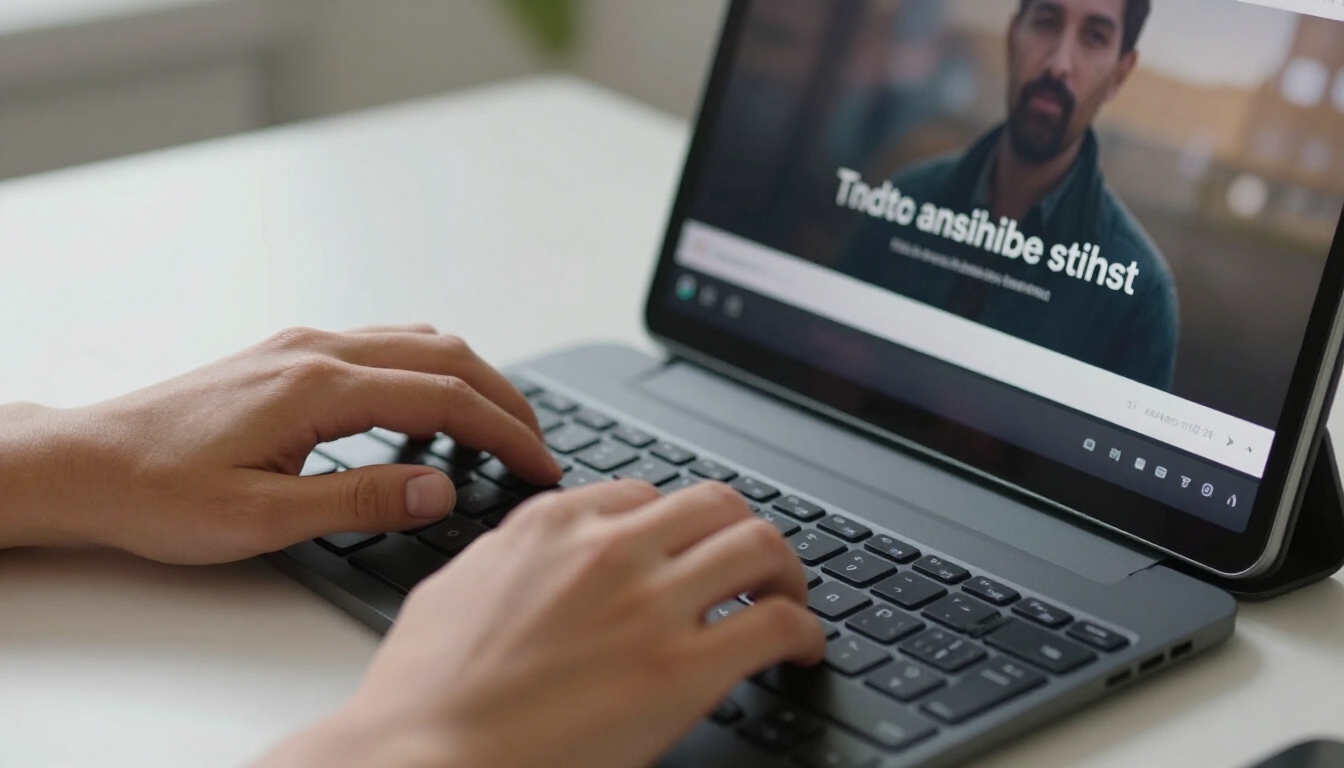
Making a video handicap accessible means ensuring that individuals with hearing, visual, or cognitive impairments can fully perceive and interact with your content. This is achieved by providing high-quality closed captions, detailed audio descriptions, and full text transcripts that adhere to federal regulations like the Americans with Disabilities Act (ADA).
What are the three U.S. laws for video accessibility?
Navigating the legal landscape of digital content can feel like a maze, especially for small business owners in Southern Maryland and beyond. When it comes to video accessibility, there are three primary pieces of legislation that you need to know about. While these laws mandate inclusion, they often lack specific technical instructions, leaving many businesses wondering how to comply. The three major laws are:
- The Americans with Disabilities Act (ADA): Title III of the ADA is the most far-reaching, requiring businesses that are "places of public accommodation" to provide equal access to their services, which courts have increasingly interpreted to include websites and digital media.
- Section 508 of the Rehabilitation Act: This law specifically applies to federal agencies and any organization that receives federal funding. It requires all electronic and information technology to be accessible to people with disabilities.
- The 21st Century Communications and Video Accessibility Act (CVAA): This act modernized federal accessibility laws to keep pace with 21st-century technologies, specifically targeting modern communication services and video programming.
At adPRO, we believe that great marketing starts with understanding your goals and the regulatory environment before anything gets built. Ensuring your Website Design accounts for these laws is not just about avoiding litigation; it is about reaching 100% of your potential audience without barriers.
Why should your small business care about ADA video requirements?
For most small to medium-sized businesses, the Americans with Disabilities Act (ADA) is the most significant concern. Though the ADA was originally written in 1990—long before the age of streaming video—it has evolved through judicial interpretation. Today, a website that hosts video content without captions can be seen as a discriminatory barrier to access.
Compliance is about more than just legal protection. When you make a video handicap accessible, you are improving the user experience for everyone. Think about the person watching your video on a crowded bus without headphones, or someone in a quiet office who cannot turn on their speakers. By providing captions, you allow them to engage with your brand regardless of their environment. This is a core part of our Our Web Design Process , where we look at the end goal—user engagement—before implementing a single line of code.
Failure to address these requirements can lead to "demand letters" or lawsuits, which have become increasingly common for small businesses. By being proactive, you demonstrate a commitment to inclusivity that resonates with modern consumers. In fact, many clients find that an accessible site actually increases their conversion rates because it removes friction from the buyer's journey.
Understanding Section 508 and the CVAA
While the ADA covers public accommodations, Section 508 focuses on the public sector. If your business provides services to the government or operates within the education sector, Section 508 is non-negotiable. It sets a higher bar for technical standards, often pointing toward the Web Content Accessibility Guidelines (WCAG) as the benchmark for success. These guidelines provide the "how-to" that the laws themselves often leave out.
The CVAA, on the other hand, was signed into law in 2010 to ensure that as television moved to the internet, accessibility features like closed captioning moved with it. It specifically requires that if a program was shown on TV with captions, it must also have captions when distributed over the internet. For businesses that use professional video production or broadcast segments, this is a critical layer of compliance to monitor.
Implementing these standards doesn't have to be a guessing game. Our approach at adPRO starts with research. We look at your industry standards and the specific legal requirements of your service area—whether you are in Calvert County or operating nationwide—to ensure your Search Engine Optimization and video strategies are built on a foundation of data and compliance.
5 Steps to make your videos handicap accessible today
If you are ready to take action, follow these practical steps to ensure your video content meets the needs of all users:
- Add Closed Captions: Ensure that all spoken dialogue and significant background sounds are transcribed and synced with the video timing.
- Provide a Text Transcript: Offer a standalone text version of the video content that can be read by screen readers or indexed by search engines.
- Include Audio Descriptions: For videos with important visual information that isn't conveyed through dialogue, provide an additional audio track describing the action.
- Use an Accessible Video Player: Ensure your video player supports keyboard navigation and is compatible with screen reading software.
- Check Color Contrast: Make sure any text overlays or graphics within the video have sufficient contrast against the background to be legible for those with low vision.
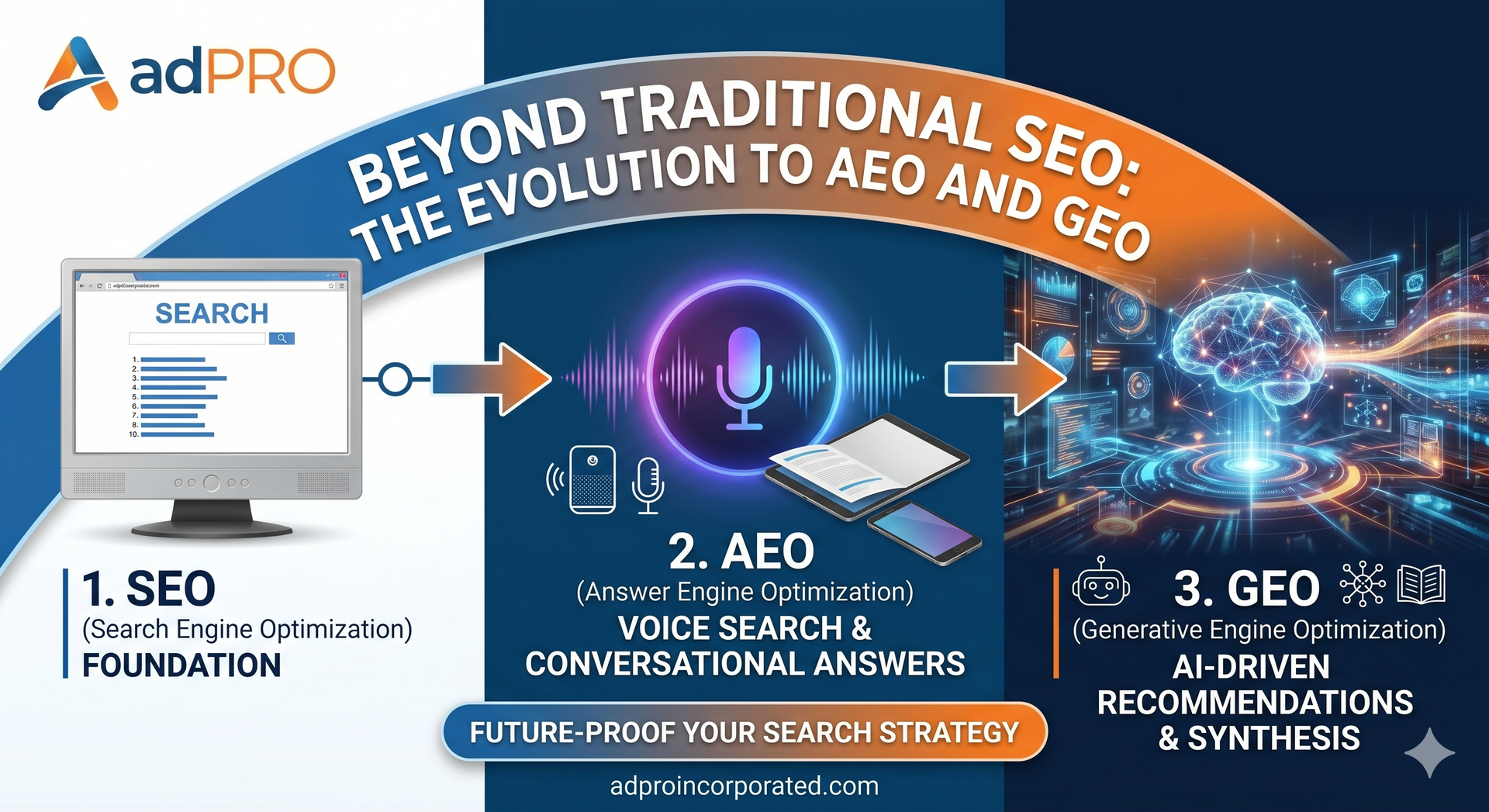
By following these steps, you are not only meeting legal obligations but also enhancing your AEO and GEO Optimization . AI-driven search engines and answer engines thrive on the structured data provided by transcripts and captions.
How does accessibility impact your SEO and AEO strategy?
One of the most overlooked benefits of making a video handicap accessible is the massive boost it gives to your organic search rankings. Search engines like Google and AI models used in Answer Engine Optimization (AEO) cannot "watch" a video in the same way humans do. They rely on text to understand the context, topic, and value of the content.
When you provide a full transcript and closed captions, you are essentially providing a roadmap for search crawlers. You are feeding them keywords and relevant phrases that might otherwise remain hidden within the audio track. This allows your video to show up in a wider variety of searches, including long-tail queries and "People Also Ask" sections. This aligns perfectly with our philosophy: a strategy built on data always outperforms one built on guesswork.
Furthermore, accessibility improves site metrics like "time on page" and reduces bounce rates. When users find content they can easily consume, they stay longer. This signals to search engines that your site is high-quality and relevant, further boosting your rankings. If you're interested in how this fits into a broader digital plan, check out our Digital Marketing and Advertising services.
The Role of WCAG in Compliance
Since the U.S. laws (ADA, 508, CVAA) are often vague about technical implementation, the industry has turned to the Web Content Accessibility Guidelines (WCAG) as the gold standard. WCAG is developed by the World Wide Web Consortium (W3C) and provides a highly detailed framework for making web content accessible. Most legal experts recommend aiming for WCAG 2.1 Level AA compliance to satisfy the requirements of the ADA and Section 508.
WCAG is built on four core principles, often referred to by the acronym POUR:
- Perceivable: Information and user interface components must be presentable to users in ways they can perceive (it can't be invisible to all their senses).
- Operable: User interface components and navigation must be operable (the user must be able to operate the interface).
- Understandable: Information and the operation of the user interface must be understandable.
- Robust: Content must be robust enough that it can be interpreted reliably by a wide variety of user agents, including assistive technologies.
At adPRO, we integrate these principles into our Web Design for Small Businesses . We understand that for a small business, the technical side of WCAG can be daunting, which is why we handle the heavy lifting of research and implementation for you.
Maximizing Your Video Reach with adPRO
Since 1999, adPRO has been helping businesses in Southern Maryland and across the United States navigate the complexities of the digital world. We've seen the internet change from a novelty into a vital business tool where accessibility is no longer optional. Our core belief is that your website should be your hardest-working employee. For one of our clients, 85% of their total business now comes directly from the site we built for them. That level of success is only possible when a site is accessible, optimized, and built with the user in mind.
Whether you are looking for Web Design For Service Businesses or need help with Google Ads , we start by looking at your competition and your goals. We don't just build a site; we build a strategy. Making your videos handicap accessible is a key part of that strategy in 2026. It protects you legally, helps you rank higher in AI-driven search results, and ensures that every visitor to your site has a great experience.
If you're unsure where to start with your video content or your broader digital presence, we invite you to explore our Website Gallery to see how we've helped other businesses succeed. Let's work together to make sure your marketing is as inclusive as it is effective.
Conclusion: Your Path to Video Accessibility
Making a video handicap accessible is a vital step for any small business looking to stay compliant with U.S. laws like the ADA, Section 508, and the CVAA. By providing closed captions, transcripts, and audio descriptions, you not only avoid legal risks but also significantly improve your SEO and AEO performance. Remember, accessibility is about more than just checking a box; it’s about creating an inclusive digital environment that welcomes all users. To ensure your business is fully protected and optimized for the future, evaluate your current video library, implement the WCAG standards, and prioritize user experience in every piece of content you create. If you need expert guidance on building a high-performing, accessible website, adPRO is here to help you turn data-driven strategies into real-world results.
It's Your Business, Let's Build it!
We will get back to you as soon as possible.
Please try again later.