
Website Color Psychology: Win More Customers
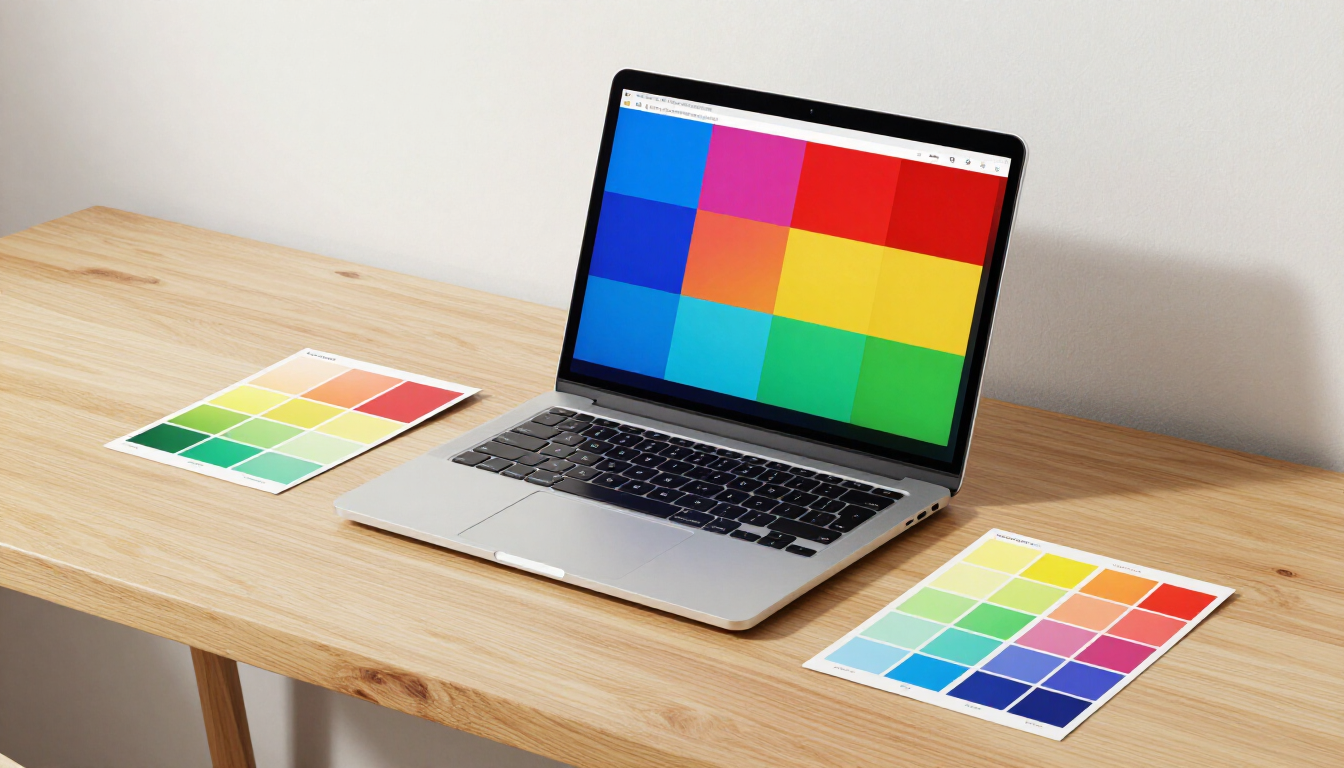
Website color psychology is the study of how different hues influence human behavior and decision-making on the internet. By strategically selecting colors, businesses can evoke specific emotions, establish brand authority, and guide visitors toward desired actions, such as making a purchase or filling out a contact form.
Why does color matter for your business website?
Color is often the first thing a visitor notices when they land on your site, even before they read a single word of your copy. In the world of Website Design , first impressions are formed in a matter of milliseconds. If your color palette is jarring, unprofessional, or misaligned with your industry, users may leave your site without ever exploring your services.
Research suggests that up to 90% of snap judgments made about products can be based on color alone. For business owners, this means that color is not just an aesthetic choice; it is a fundamental component of your conversion rate optimization strategy. When used correctly, color can:
- Increase brand recognition by up to 80%
- Enhance readability and user navigation
- Communicate your brand's values instantly
- Drive specific user actions (CTAs)
- Build emotional connections with your audience
At adPRO, we have spent over 25 years helping businesses from Calvert County to across the United States understand that great marketing starts with research. Choosing a color palette for website use is a key part of our Our Web Design Process , ensuring that every visual element serves a strategic purpose.
How do different colors affect consumer emotions?
Understanding the emotional associations of various colors is essential for effective branding. Each hue carries its own "psychological baggage," which can change based on cultural context and individual experience. However, there are universal patterns that digital marketers use to influence how a customer feels while browsing a site.
Common Color Meanings in Professional Branding
- Blue: Trust, security, and stability. This is why it is favored by financial institutions and tech companies.
- Red: Urgency, excitement, and passion. It is often used for clearance sales or food brands to stimulate appetite.
- Green: Growth, health, and nature. It works exceptionally well for sustainable brands or financial success narratives.
- Black: Luxury, sophistication, and authority. High-end brands use black to convey exclusivity and power.
- Yellow: Optimism, clarity, and warmth. It grabs attention quickly but should be used sparingly to avoid eye strain.
What is the psychology behind neutral colors?
While vibrant colors grab attention, neutral tones like white, grey, and beige provide the necessary "breathing room" for your content. White space, or negative space, is a critical element in Web Design for Small Businesses . It prevents the user from feeling overwhelmed and allows the primary brand colors to stand out.
Grey often conveys neutrality and balance, making it an excellent choice for backgrounds or secondary text. When you combine a strong primary color with a sophisticated neutral palette, you create a sense of professional maturity that builds trust with skeptical consumers. In the age of Search Engine Optimization , user experience (UX) is a ranking factor, and a clean, well-balanced color scheme significantly improves how long users stay on your page.
How do you choose the right color palette for your brand?
Selecting a color scheme is more than just picking your favorite colors. It requires a deep dive into your target audience and your industry competitors. If you are in the legal sector, a neon pink and lime green palette might undermine your credibility, even if you personally love those colors.
To choose a winning palette, follow these strategic steps:
- Analyze your brand values: Are you energetic or calm? Affordable or luxury?
- Research your competition: Look for "industry standard" colors and decide if you want to fit in or stand out.
- Know your demographics: Age, gender, and geographic location all influence color preference.
- Test for contrast: Ensure your text is readable against your background colors.
- Limit your selection: Stick to 3-4 main colors to keep the design cohesive.
Implementing a 60-30-10 Rule for Web Design
A classic design principle that applies perfectly to website color psychology is the 60-30-10 rule. This ensures a balanced visual hierarchy that guides the eye naturally through the page:
- 60% Primary Color: Usually a neutral or very light color for the overall background.
- 30% Secondary Color: Your main brand color, used for headings, sidebars, and icons.
- 10% Accent Color: A bold, contrasting color used exclusively for your most important calls to action (CTAs).
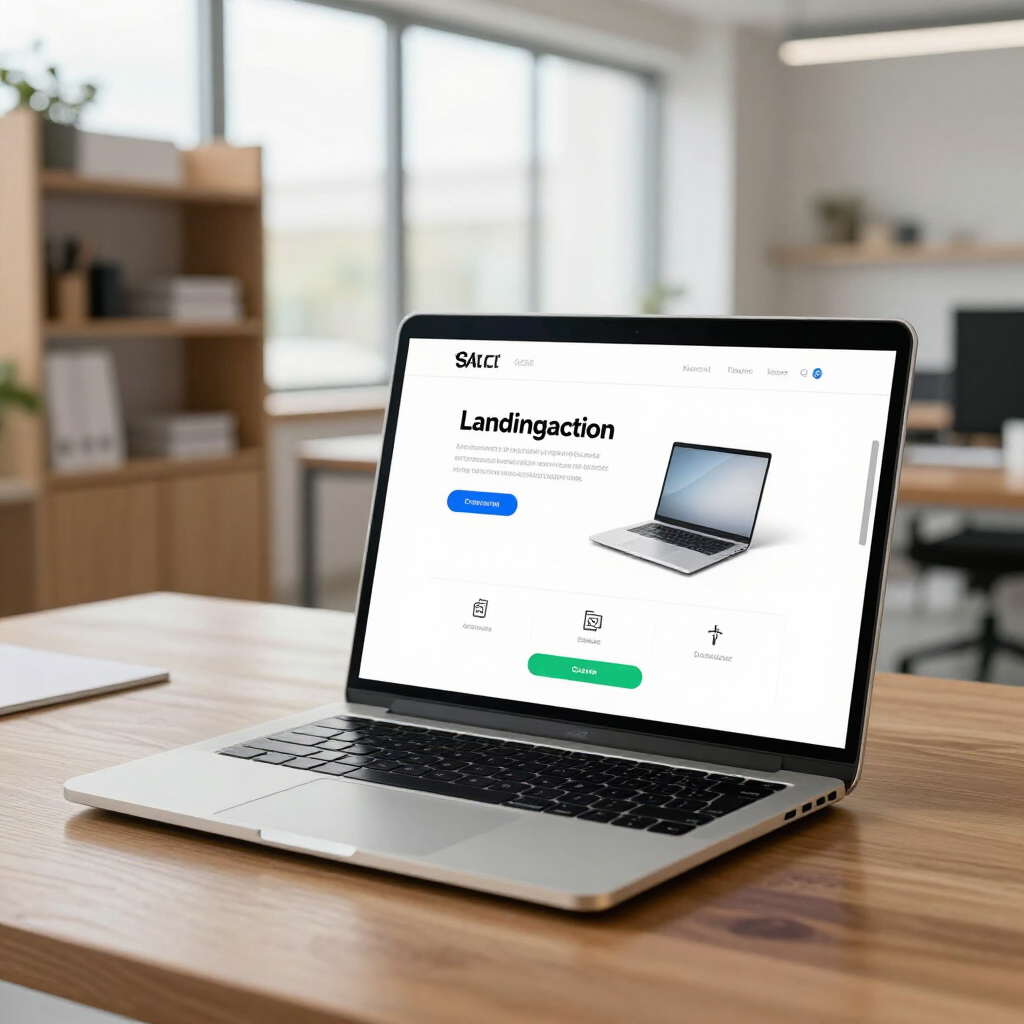
By following this ratio, you ensure that your "Convert Now" or "Contact Us" buttons pop, drawing the user's attention to the exact place you want it. This is a hallmark of high-performing sites that prioritize digital marketing and advertising efficiency.
What are the best practices for website color accessibility?
Accessibility is no longer optional in 2026. Beyond the ethical implications, search engines and AI answer engines prioritize sites that are usable for everyone, including those with color vision deficiencies. Website color psychology must always be secondary to legibility.
When designing, use high-contrast combinations for text. Light grey text on a white background might look modern, but it is a nightmare for users with low vision. Tools like the WCAG (Web Content Accessibility Guidelines) contrast checker are essential for any professional web project. Additionally, never rely on color alone to convey meaning. For example, if a form field has an error, don't just turn the border red; include an error icon or descriptive text as well.
The Role of Contrast in Conversion Rates
High contrast is your best friend when it comes to conversions. The "Isolation Effect" (also known as the Von Restorff effect) suggests that when multiple similar items are present, the one that differs from the rest is most likely to be remembered. In web design, if your entire page is blue, a bright orange "Buy Now" button will naturally attract the eye. This strategic use of contrast is a core part of how we design sites at adPRO to ensure our clients see a real return on their investment.
Strategic Takeaways for Business Success
Mastering website color psychology is about finding the perfect intersection between art and data. When your site's visual language aligns with your audience's emotional expectations, you remove friction from the buying process. Remember that colors are not static; they should be tested and refined based on user behavior data.
- Define your goals: Choose colors that support your primary business objective.
- Prioritize legibility: Never sacrifice readability for a "trendy" color scheme.
- Maintain consistency: Use the same colors across all digital and physical touchpoints.
- Leverage contrast: Use your accent color strictly for conversion-focused elements.
If you are ready to build a website that doesn't just look good but actually grows your business, it’s time to look at the data. Contact us today for a consultation, and let's build a strategy that outperforms the guesswork.
It's Your Business, Let's Build it!
We will get back to you as soon as possible.
Please try again later.