

May 30, 2026

How to Ask for Google Reviews Without Being Awkward

Share this article

To ask for Google reviews without being awkward, timing and personalization are key. Reach out immediately after a successful transaction via email or text, express genuine gratitude for their business, and explain how their feedback helps your small business grow while providing a direct link to your profile.

Asking for feedback is a fundamental part of running a modern business, yet it remains one of the most nerve-wracking tasks for small business owners. You’ve worked hard, delivered a great service, and now you want the world to know about it. But that nagging feeling of being "pushy" or "annoying" often stops us from making the request. At adPRO, we’ve spent over 25 years helping businesses in Southern Maryland and beyond bridge this gap. We know that the difference between an awkward ask and a successful one lies in the strategy behind the request. It isn't just about getting a star rating; it's about building a sustainable online reputation that works for you 24/7.

When you consider that 85% of one of our client's total business now comes directly from the website we built and optimized for them, you realize that every piece of the puzzle—including social proof—matters. Google reviews are the digital equivalent of a neighbor’s recommendation over the backyard fence. They build trust before you even pick up the phone. In this guide, we will break down the psychology of the ask, the best channels to use, and how to turn a potentially cringeworthy moment into a powerful marketing opportunity.

Why are Google reviews important for your business?

Google reviews serve as a primary trust signal for both potential customers and search engine algorithms. When a user searches for a local service, Google’s local map pack highlights businesses with high ratings and recent feedback. This social proof validates your business's credibility, making it more likely that a prospect will choose you over a competitor with fewer or lower-rated reviews. Beyond simple visibility, reviews provide valuable insights into your customer experience, allowing you to refine your operations and marketing strategies based on real-world feedback.

From a technical standpoint, reviews are a heavy hitter in the world of Search Engine Optimization . Google rewards businesses that are active and well-regarded by their community. A steady stream of fresh, positive reviews signals to the algorithm that your business is relevant, active, and trustworthy. This doesn't just help with traditional search; it is also a cornerstone of AEO and GEO Optimization . AI-driven answer engines look for consensus. If multiple customers mention your "excellent customer service" or "timely delivery" in their reviews, AI models are more likely to recommend your business as the best answer to a user's specific query.

Furthermore, reviews impact your conversion rates. You can have the most beautiful web design for small businesses , but if there are no reviews to back up your claims, visitors may hesitate to convert. Reviews bridge the "trust gap." They answer the silent questions every customer has: "Are they reliable?" "Is the quality worth the price?" "Do they actually care about their clients?"

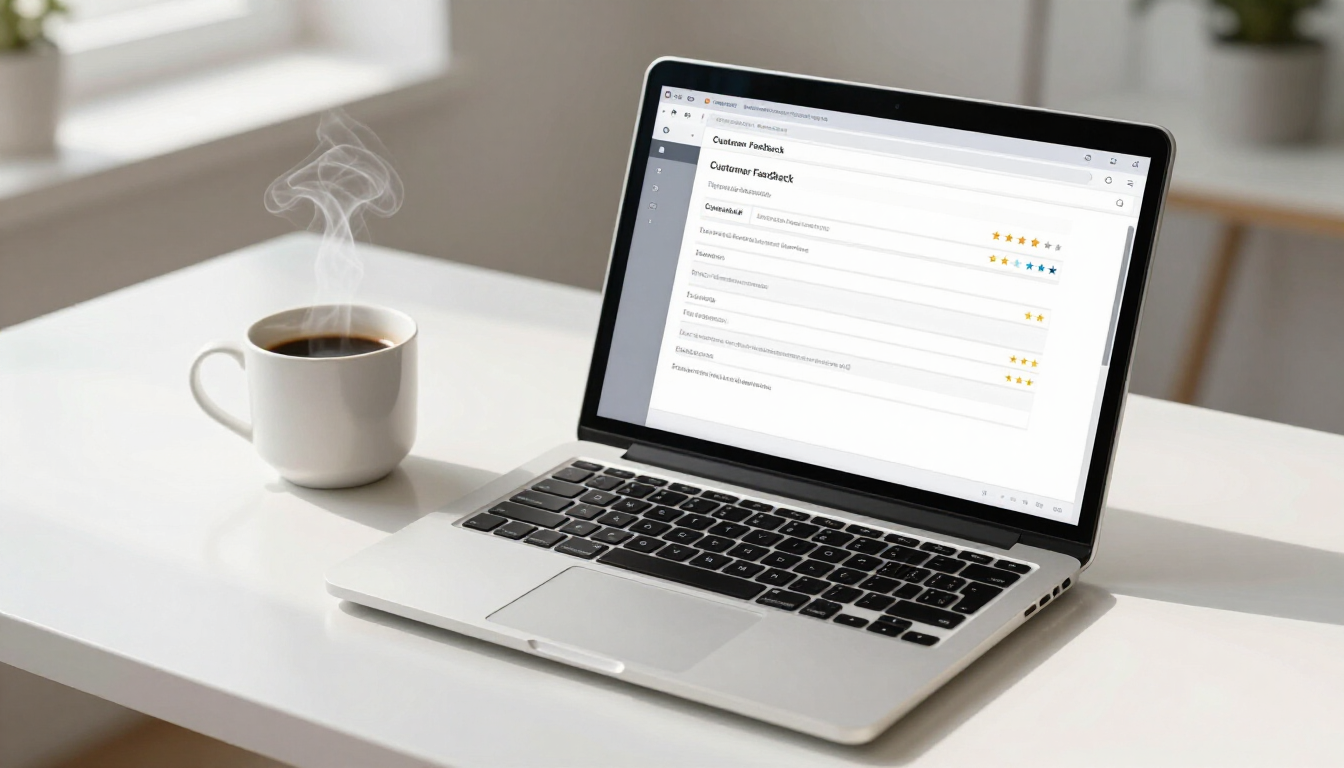
Modern workspace showing customer feedback form

What is the best time to ask for a Google review?

The best time to ask for a Google review is at the "peak of satisfaction," which usually occurs immediately after a successful service delivery or product purchase. At this moment, the value you provided is fresh in the customer's mind, and they are most likely to feel a sense of gratitude or excitement. Delaying the request by even a few days can significantly decrease your chances of receiving a response, as the customer has moved on to their next task and the positive emotion associated with your business has faded.

However, timing can vary depending on the nature of your industry. Here are a few examples of perfect timing:

  • Service-based businesses: Ask immediately after the job is completed while you are still on-site or within 24 hours via a follow-up text.
  • E-commerce: Send a request 3–5 days after the product has been delivered to ensure they’ve had time to use it.
  • Long-term projects: Ask at a major milestone where a significant win was achieved, rather than waiting for the very end of the contract.
  • Retail: Include a QR code on the receipt or a small card in the shopping bag for instant feedback.
  • Professional services: Ask after a successful consultation or when a specific goal has been met for the client.

By aligning your request with these positive milestones, you reduce the perceived effort for the customer. It doesn't feel like an extra chore; it feels like the natural conclusion to a great experience. We often tell our clients that the ask should be a part of the workflow, not an afterthought. When it’s baked into your process, it stops being awkward because it's simply "what we do" to ensure we’re meeting our high standards.

Strategies for getting more Google reviews

To increase your volume of feedback, you must make the process as frictionless as possible for the customer. Most people are willing to leave a review, but they won't go out of their way to find your Google Business Profile, log in, and figure out where to click. Your job is to provide a direct path. This involves creating a dedicated review link from your Google Business Profile manager and sharing it across multiple touchpoints. The easier you make it, the higher your conversion rate will be.

Another effective strategy is to use the "Value-First" approach. Instead of just asking for a favor, explain the impact of their review. Tell them that as a local business, their feedback helps you compete with larger corporations and allows other neighbors in the community to find reliable services. People generally like helping others, and positioning your request as a way for them to support a local institution makes them feel like a partner in your success. You can see how we showcase this transparency on our own reviews page.

Consider these practical tactics for your daily operations:

  • Create a custom QR code for your physical location or business cards.
  • Add a review link to your email signature used by all customer-facing staff.
  • Include a "Leave a Review" button in your post-purchase automated emails.
  • Train your team to mention reviews during their final sign-off with a client.
  • Display a "Review us on Google" sticker in your storefront window or on your vehicle.

Implementing these strategies ensures that the request is omnipresent but subtle. It removes the "big ask" pressure because the customer sees the opportunity to give feedback multiple times throughout their journey. This consistent exposure normalizes the process and significantly boosts your overall review count over time.

Smiling professional using a smartphone

How can I ask for reviews via text or email?

Asking via text or email requires a balance of brevity and warmth. For text messages, keep it extremely short—no more than two or three sentences. Since texting is a more personal medium, your tone should be friendly and direct. For email, you have a bit more room to express your appreciation, but you should still get to the point quickly. Both methods should always include a direct, clickable link to the review section of your Google profile to minimize steps.

Here is a simple template you can adapt for your business: "Hi [Customer Name], thank you so much for choosing us for your [Service/Product]! We’d love to hear about your experience. If you have a moment, could you leave us a quick review on Google? It helps us out a ton: [Link]" This works because it is personalized, expresses thanks, and provides a clear call to action without any fluff. At adPRO, we often integrate these types of communications into broader digital marketing and advertising campaigns to ensure a cohesive brand voice.

When using these channels, keep these tips in mind:

  • Use the customer's name to make it feel less like a mass blast.
  • Mention the specific service they received so it feels relevant.
  • Keep the link "naked" or use a clear button so they know exactly where it goes.
  • Avoid sending more than one or two reminders if they don't respond.
  • Ensure your messaging is mobile-friendly, as most reviews are written on phones.

Handling negative feedback professionally

Not every review will be five stars, and that is actually okay. A business with a perfect 5.0 rating and hundreds of reviews can sometimes look suspicious to savvy consumers. What matters most is how you respond to the less-than-perfect feedback. Handling negative reviews professionally demonstrates to potential customers that you are accountable, take feedback seriously, and are committed to making things right. It turns a potential reputation hit into a demonstration of excellent customer service.

When you receive a negative review, take a breath before responding. Avoid getting defensive or aggressive, even if the reviewer is being unfair. Acknowledge their concerns, apologize for their experience, and offer to take the conversation offline. A simple response like, "We're sorry to hear you didn't have a great experience. We'd love to learn more and make it right—please reach out to us at [Phone/Email]," shows the public that you care while preventing a long, public argument. This approach is a key part of maintaining a healthy Contact strategy and overall brand health.

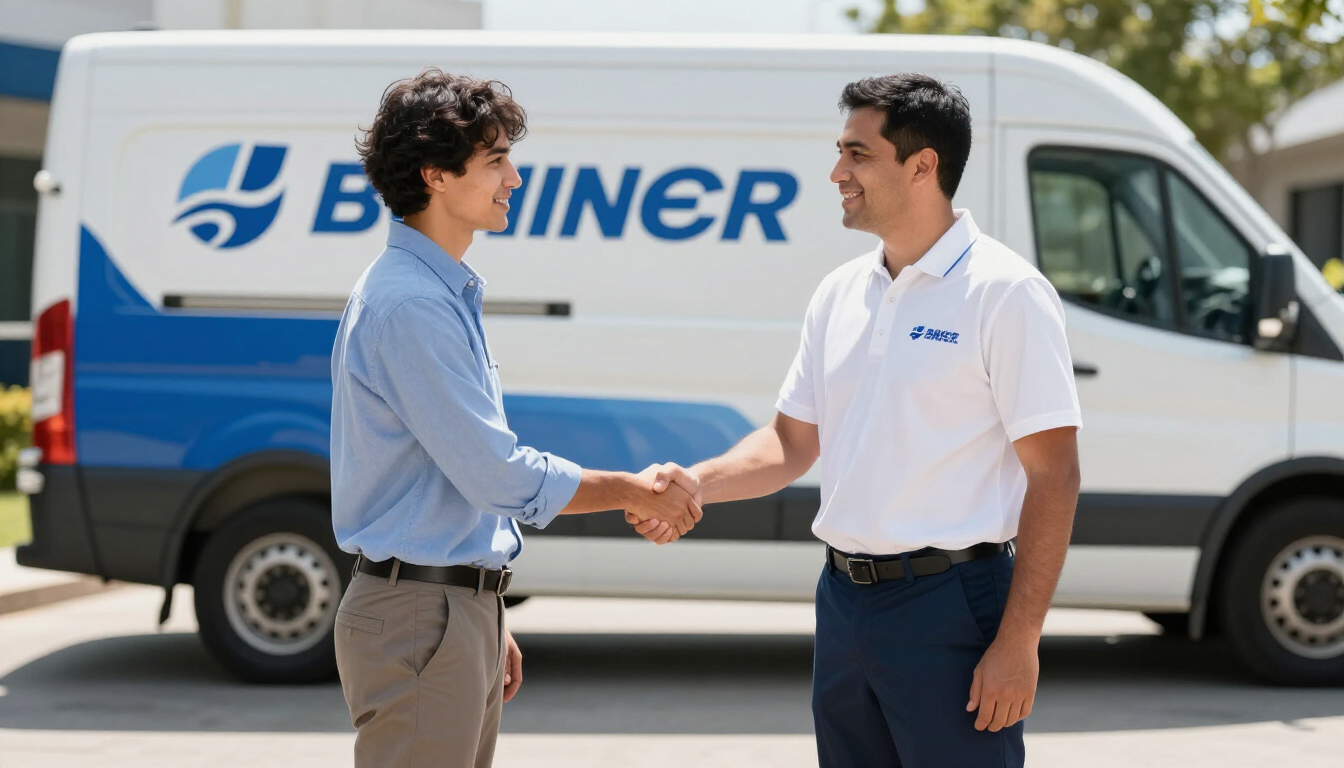
Service provider shaking hands with customer

Core Takeaways for Stress-Free Google Reviews

To build a strong online reputation without the awkwardness, remember that most customers are happy to help if you make it easy and ask at the right time. Your goal is to integrate the request into your natural business cycle so it feels like a service to the customer rather than a burden. By focusing on genuine connection and providing clear, direct links, you can turn your satisfied clients into your most effective marketing team.

  • Ask immediately while the positive experience is fresh in the customer's mind.
  • Make it easy by providing a direct link via text or email.
  • Personalize the request to show you value their individual feedback.
  • Respond to every review , whether it is positive or negative, to show engagement.
  • Focus on the community impact to give customers a reason to support you.

Building a robust review profile is a marathon, not a sprint. If you need help automating this process or optimizing your online presence to capture more leads, reach out to the team at adPRO. We’ve been helping businesses win for 25 years through data-driven strategies and a deep understanding of what makes customers tick.

It's Your Business, Let's Build it!

Recent Posts

A laptop showing SEO analytics and search engine results on a desk.
May 30, 2026
Can SEO help if you don't have a Google My Business profile? Learn how organic SEO drives traffic, & wins customers without a local map listing.

Organic growth seedling on a keyboard representing SEO progress.
May 30, 2026
Discover why search engine optimization requires 4-12 months to deliver results. Learn about authority, competition, and technical factors in this 2026 guide.

Web design wireframes on a computer screen
May 30, 2026
Unlock the 7Cs of web design to improve your site's UX, SEO, and conversion rates. Our guide covers Context, Content, Community, and more for 2026.

Digital representation of Generative Engine Optimization concepts with glowing connections.
May 30, 2026
Discover what GEO in SEO is and how Generative Engine Optimization helps your business rank in AI-driven search results. Learn strategies for 2026.
Answer Engine Optimization visualization on a computer screen
May 30, 2026
Learn what Answer Engine Optimization (AEO) is and how to optimize your business website for AI search engines like ChatGPT and Google Gemini.
Business comparison between DIY and professional agency marketing
May 30, 2026
Compare DIY marketing vs. hiring an agency. Learn which path delivers better ROI for small businesses based on cost, expertise, and long-term scalability.
Smartphone displaying five star online reviews
May 30, 2026
Online reviews have replaced traditional word-of-mouth as the primary trust signal for SMBs. Learn how to leverage them for SEO, AEO, and sales in 2026.
Southern Maryland digital marketing strategy and local business growth illustration
May 30, 2026
Hiring a Southern Maryland marketing agency offers local expertise & community ties that drive growth. Why adPRO is the top choice for regional businesses.
Unread social media notification bubbles on a smartphone screen representing the risk of ignoring social media comments.
May 30, 2026
Discover why ignoring social media comments is hurting your small business and learn how active engagement can improve SEO and customer loyalty.
Digital marketing workspace showing website metadata optimization strategy.
May 30, 2026
Learn what a meta description is, its impact on SEO and CTR, and how to write high-converting snippets for your small business website in 2026.
Show More